The vanilla-JS admin dashboard for 2026
A token-driven admin template with real dark mode, themed Chart.js + FullCalendar, and a ⌘K command palette. No jQuery. No Bootstrap. 27.2 KiB of initial JS/CSS gzip, with chart, calendar, and map libraries loaded only where needed.
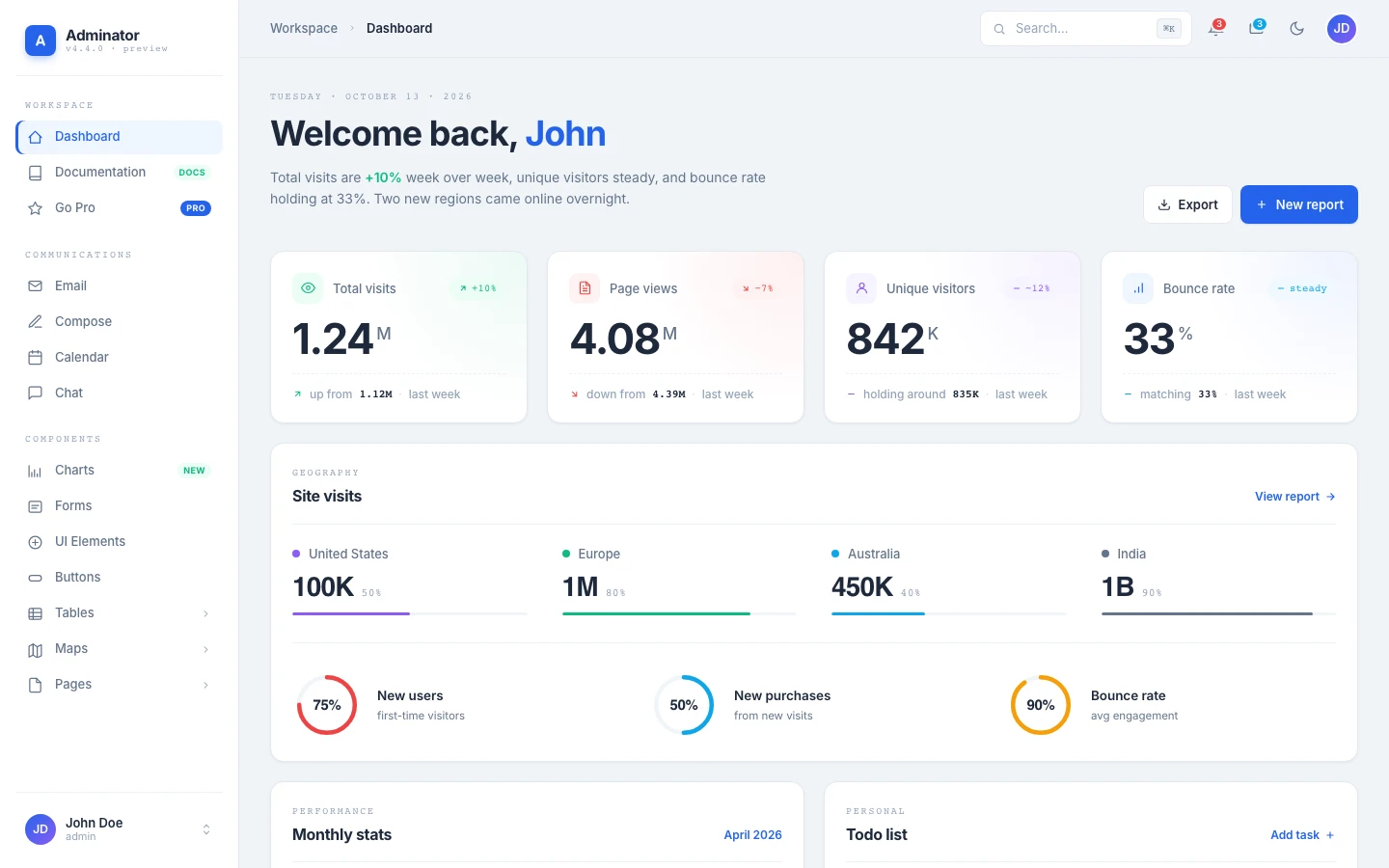
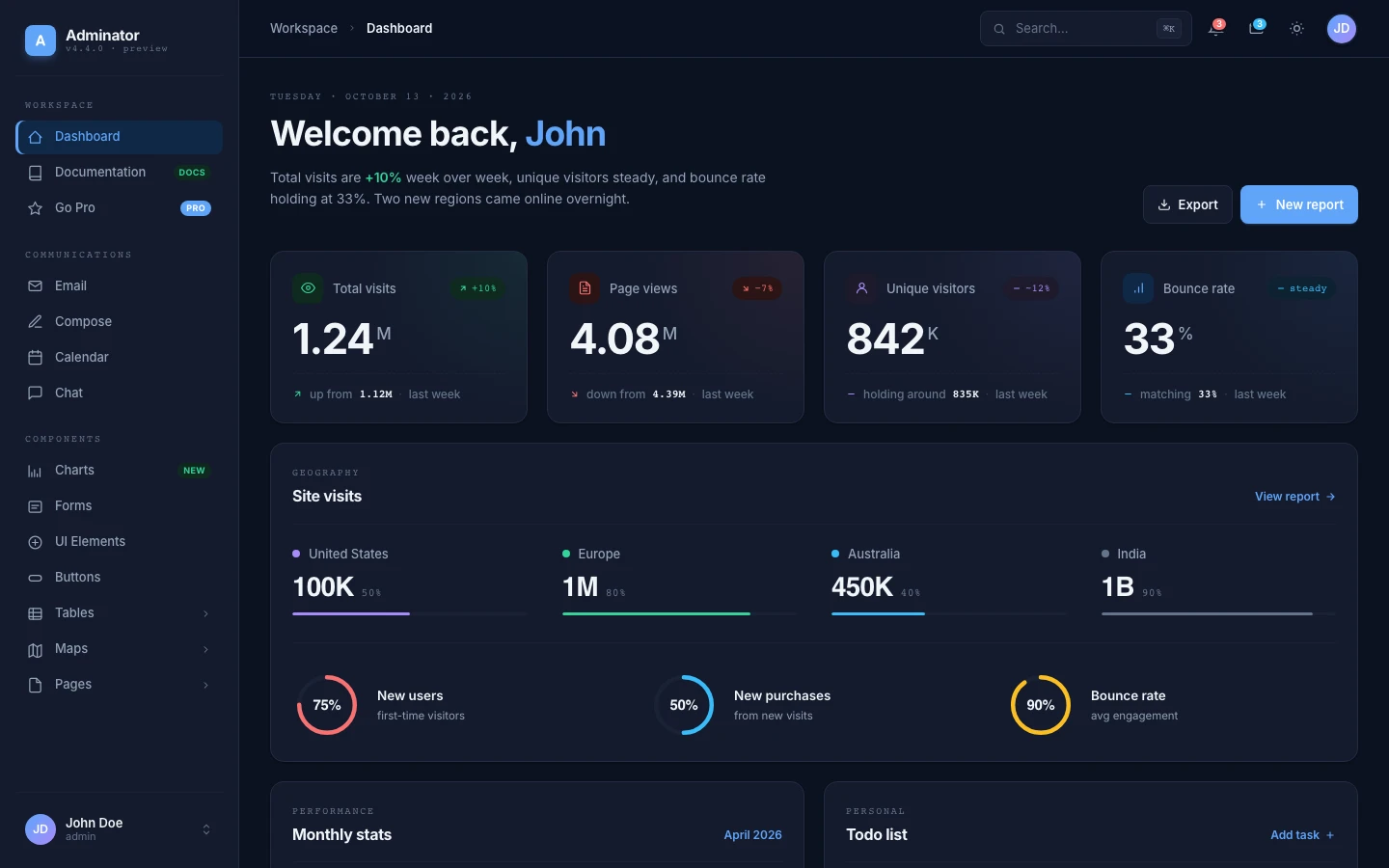
- Pages included
- 18
- Initial assets, gzip
- 27.2 KiB
- jQuery / Bootstrap
- 0
- License
- MIT
Dashboard, email, calendar, charts…
Widgets load only where needed
Zero framework dependencies
Free for commercial use
Built around design tokens, not framework defaults
v4 is a ground-up rewrite. Bootstrap is gone, jQuery is gone, and the entire UI runs off a single CSS-variable design system. Every component you see is custom, theme-aware, and 85% smaller than v3.
Token-driven design system
Every visual decision lives in `_tokens.scss` as a CSS variable with light + dark variants. Edit one token, every component updates instantly.
Real dark mode
A single `data-theme` attribute on `<html>` swaps the entire UI — including charts, calendar, and the world map — via a MutationObserver.
Zero framework CSS
No Bootstrap, no utility-class soup. Every UI primitive — buttons, dropdowns, alerts, modals, tabs, accordions — is custom-built and theme-aware.
⌘K command palette
Press ⌘K, Ctrl+K, or / anywhere to jump between pages. Searches the entire NAV manifest plus global actions like theme toggle.
Real mobile drawer
Off-canvas sidebar with backdrop, body-scroll lock, and auto-close. The whole template was rebuilt to be usable on a phone.
Themed library integrations
Chart.js (7 seeded examples), FullCalendar (4 views, 24 seed events), jsvectormap (world map). All use theme tokens; charts update in place without replaying animations.
Every page you'll actually need on day one
Eight headline pages with real, working integrations — and ten more for the boring-but-essential surfaces every admin app needs.
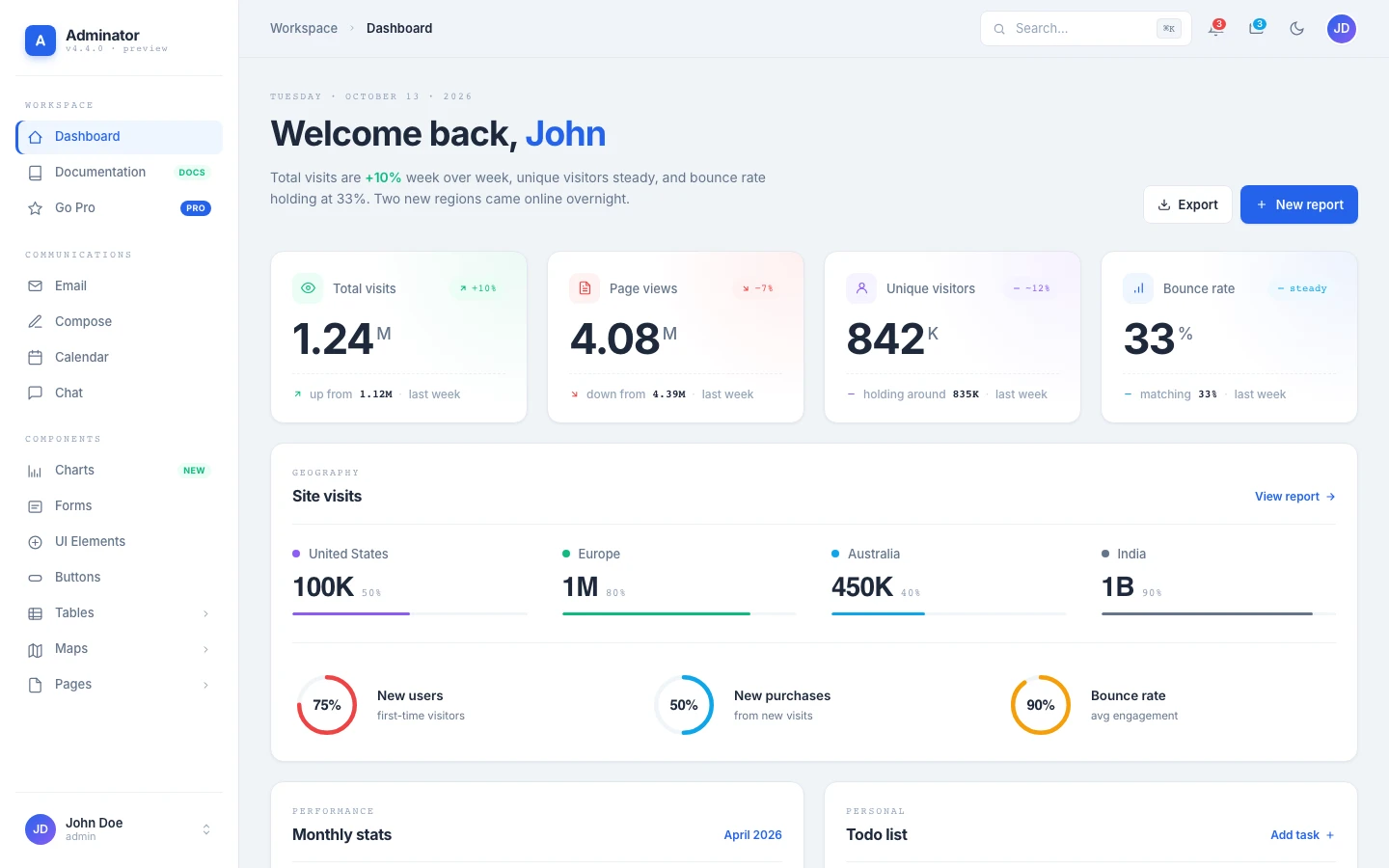
Dashboard
KPIs, monthly Chart.js, regional stats, todo list, weather widget
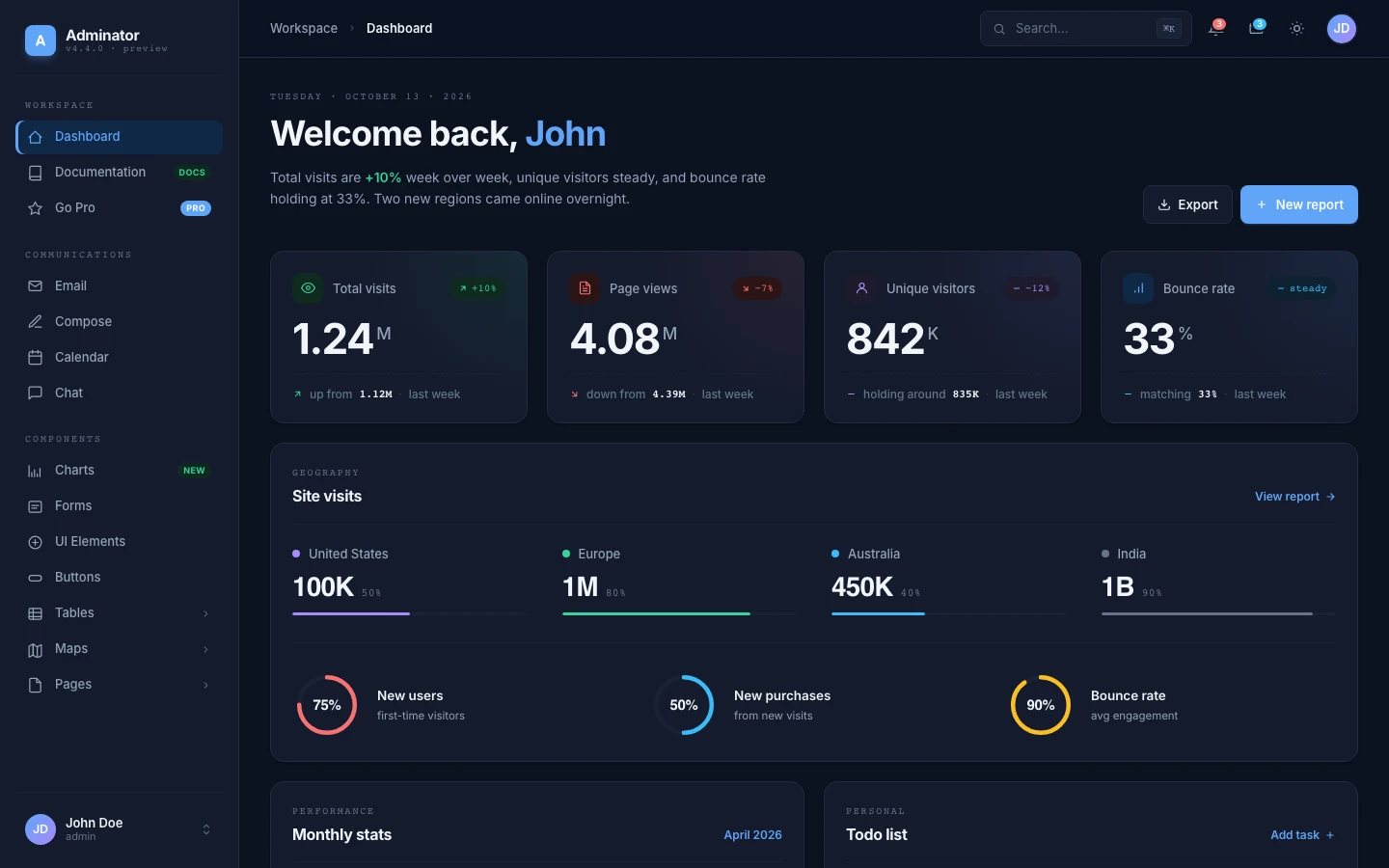
Dashboard (dark)
Same dashboard with `data-theme="dark"` — every component re-renders
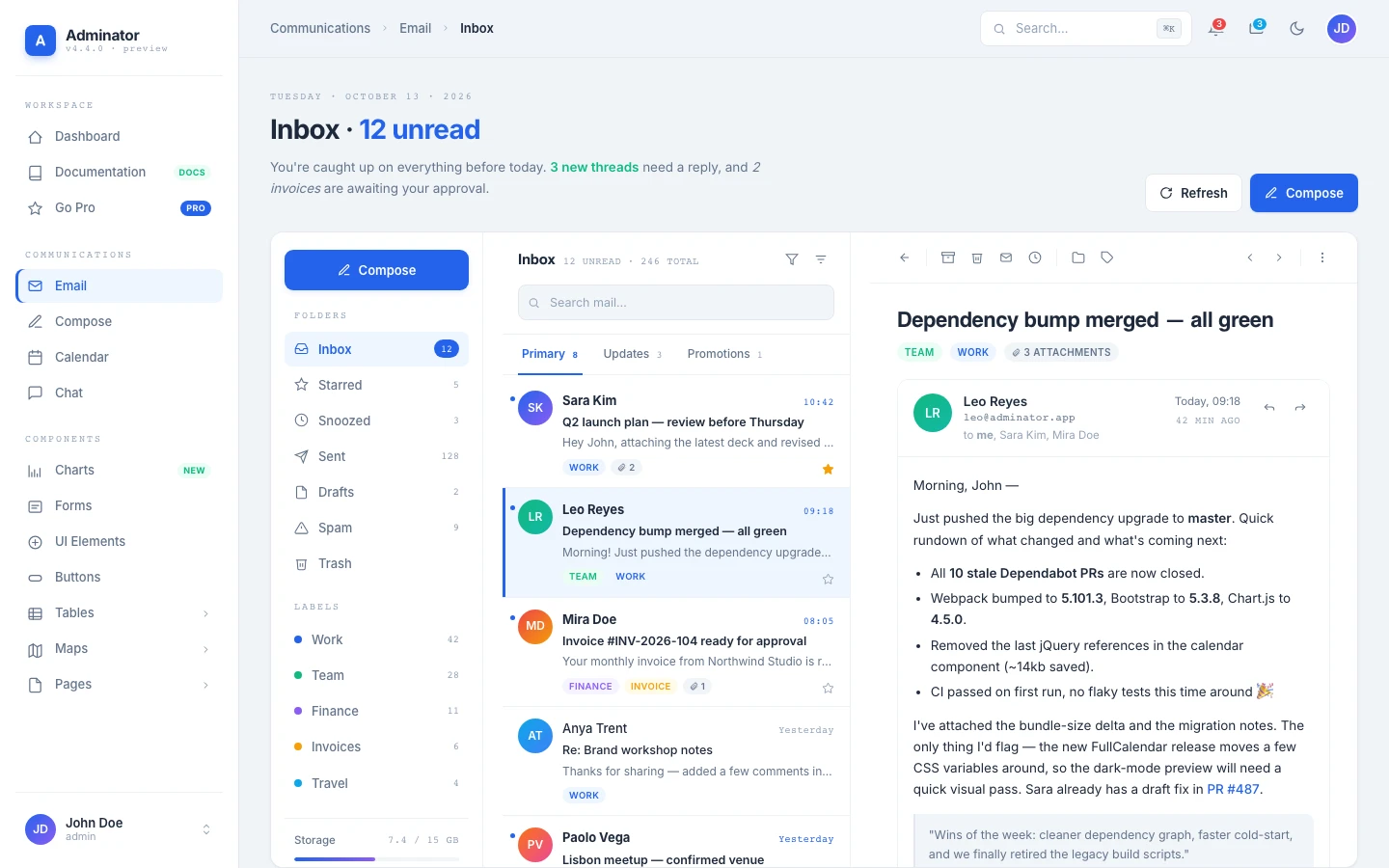
3-pane inbox: folders, message list, reader pane with attachments
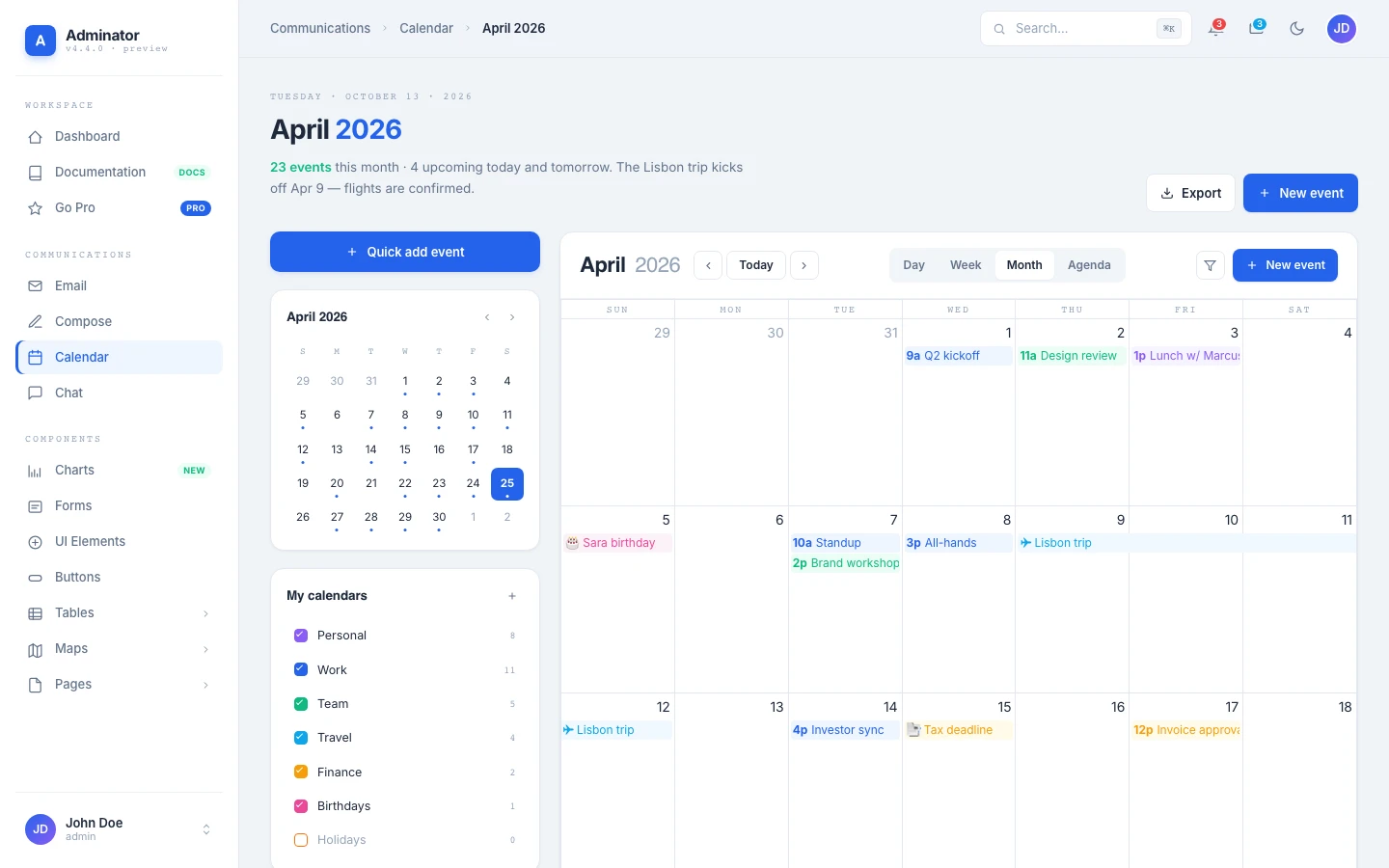
Calendar
Real FullCalendar with Day, Week, Month, and Agenda views
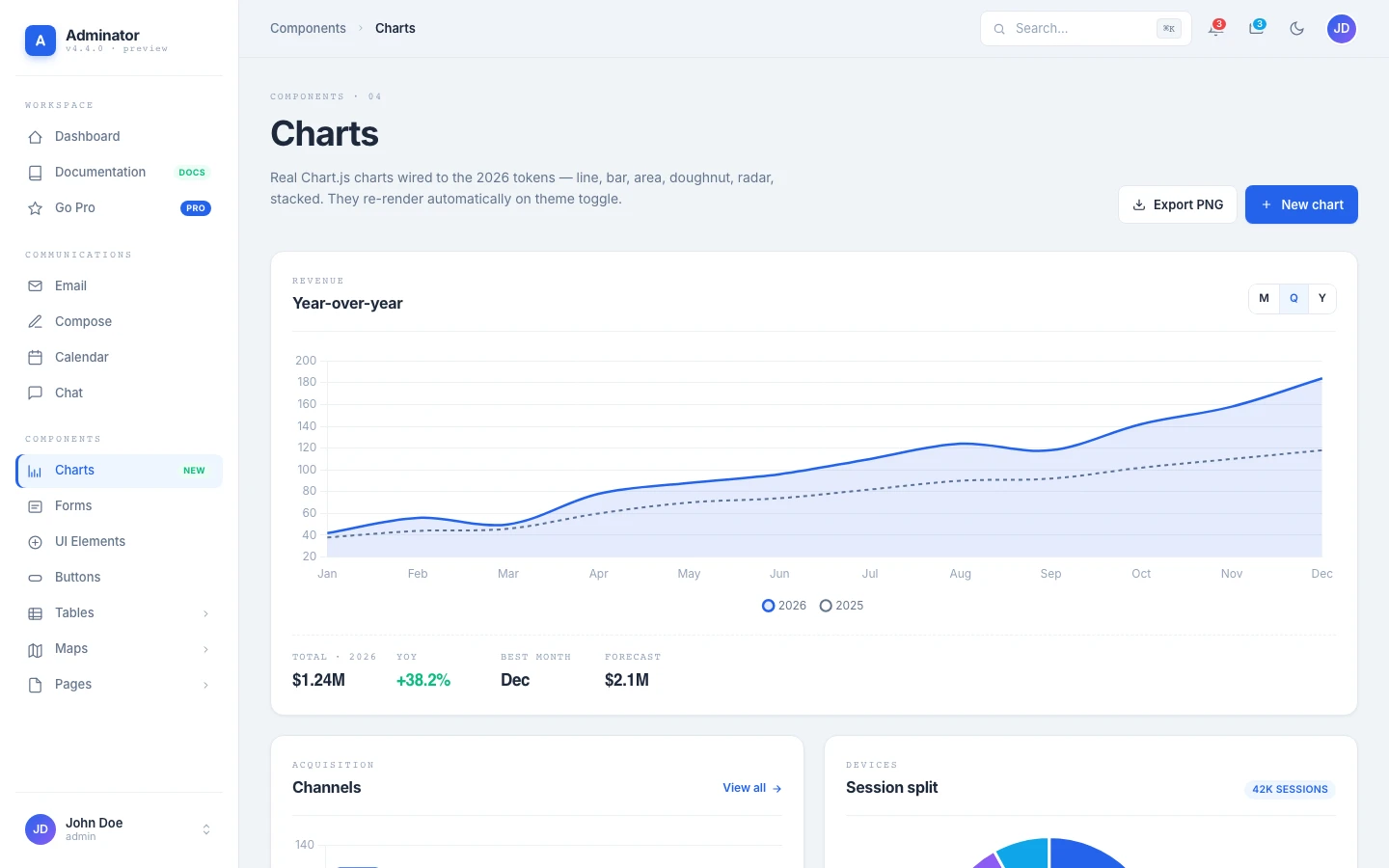
Charts
6 themed Chart.js examples: line, bar, doughnut, radar, area, stacked
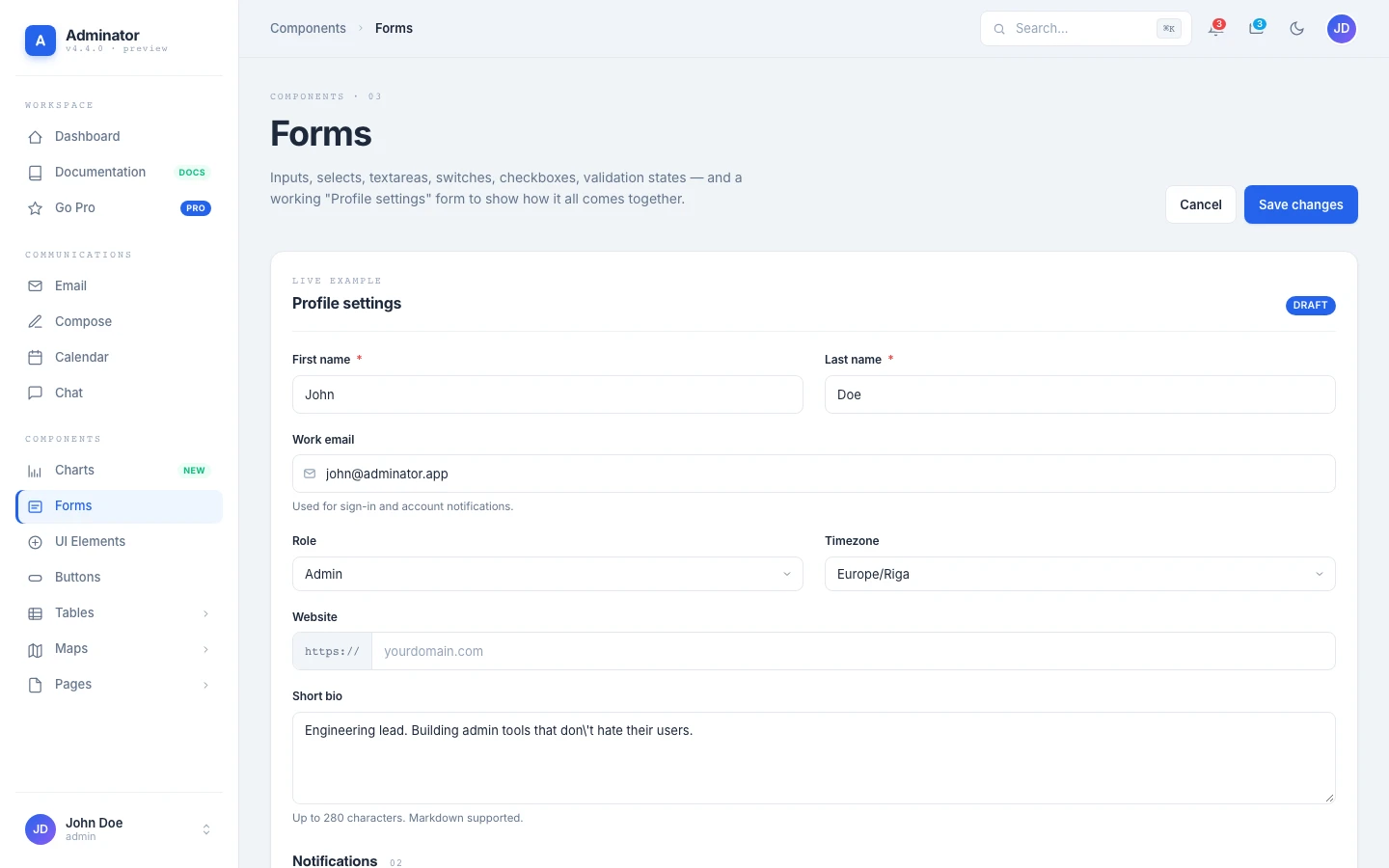
Forms
Inputs, selects, switches, checkboxes, validation states
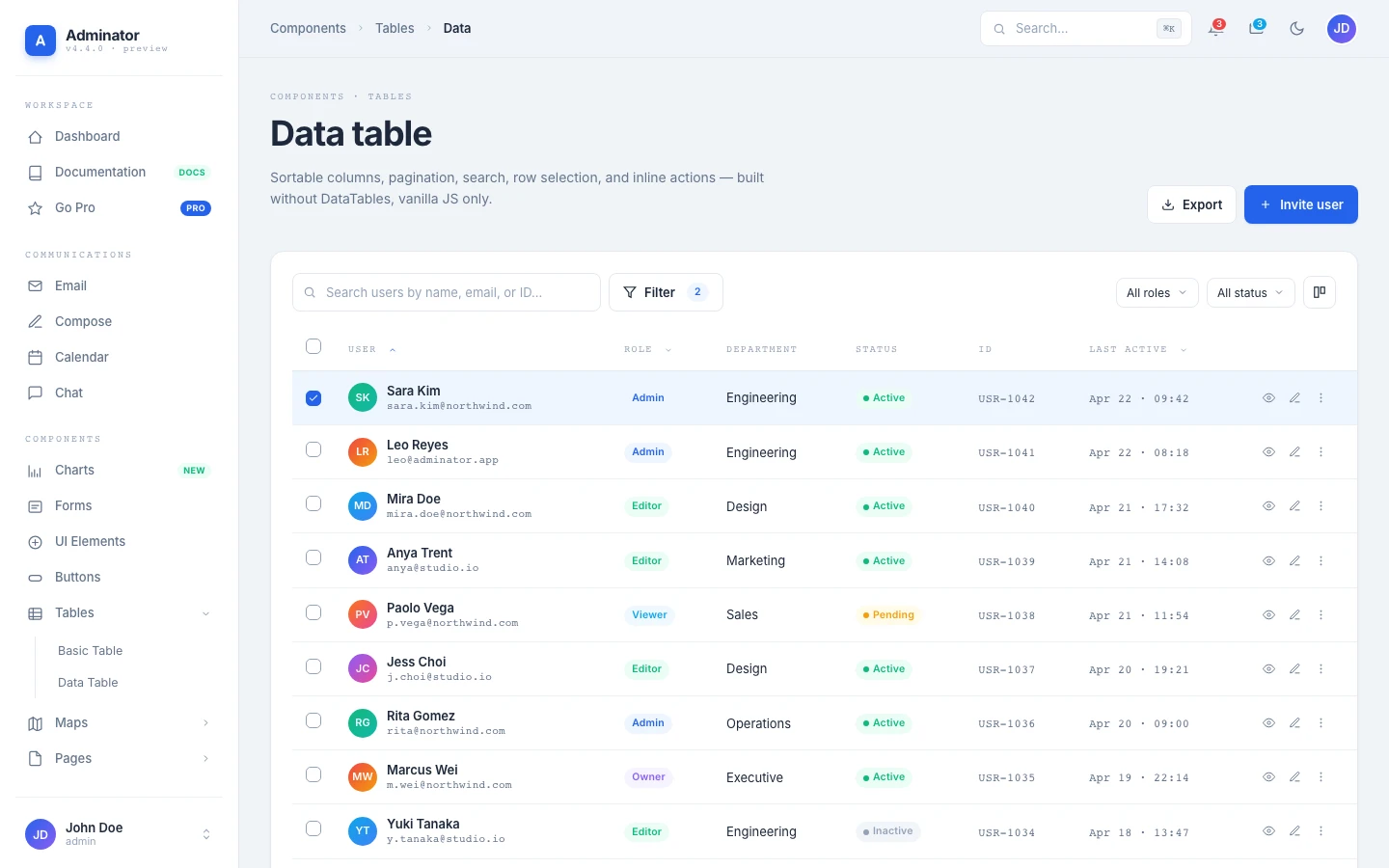
Data Table
Sortable + paginated table with filters, search, row selection
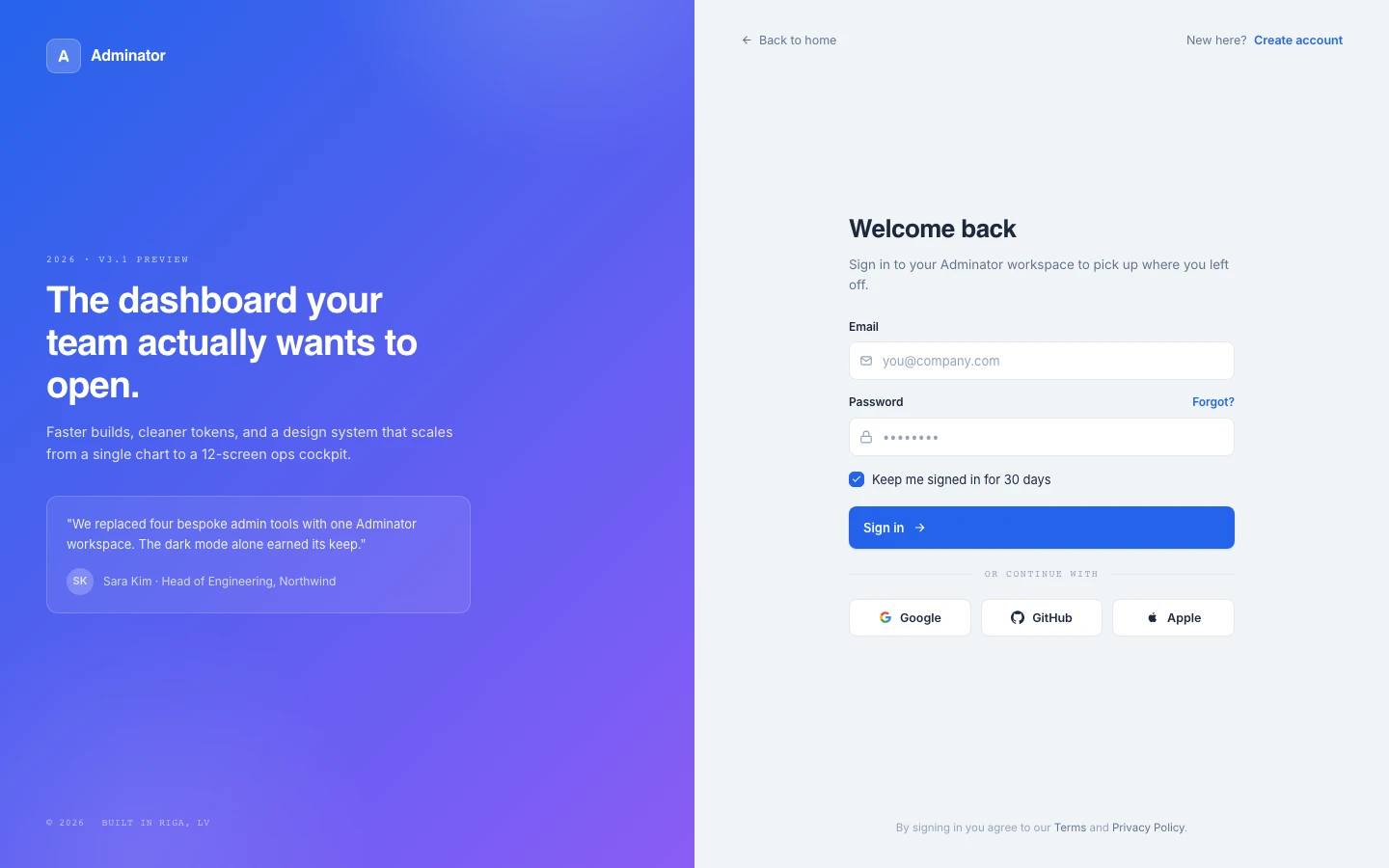
Sign In
Split-screen authentication with social sign-in buttons
Plus 10 more pages
- Chat (2-pane conversation list + thread)
- Compose (rich-text email composer)
- UI Elements (alerts, badges, progress, tabs, accordion, modals, tooltips)
- Buttons (solid, soft, outline, ghost variants — sizes, icons, button groups)
- Basic Table (striped, status tags, trend indicators)
- Google Maps (embedded map with offices table)
- Vector Maps (jsvectormap with city markers and continent KPIs)
- Blank Page (starter shell for your custom views)
- Sign Up (matching split-screen signup)
- 404 + 500 (themed error pages with gradient codes)
Modern tooling, no legacy baggage
v4 dropped Bootstrap, jQuery, dayjs, perfect-scrollbar, masonry-layout, and four more dependencies. What's left is what an admin template actually needs in 2026.
Build & tooling
Production bundler
CSS preprocessor
Autoprefix + future CSS
Modern JavaScript, no transpiler
Runtime libraries
6 chart types, theme-aware
Day/Week/Month/Agenda
Interactive world map
Typography
Body text
Display headings
Numerics, code, eyebrows
Code quality
Flat config, 0/0 errors
SCSS linting, 0/0 errors
77 unit tests, jsdom
One nav array. One body attribute. New page.
Every shell page declares which sidebar item is active and what breadcrumb to show. Adding a new page is three steps — no router config, no template inheritance, no boilerplate.
- 1
Create the HTML
Drop a new file in
src/foo.htmlwith the body anatomy above. - 2
Register the title
Add
'foo': 'Adminator · Foo'to the titles map inhtmlPlugin.js. - 3
Add the nav entry
Append a row to
NAVinShell.js. The sidebar, topbar breadcrumb, and ⌘K palette pick it up automatically.
<body data-active="dashboard"
      data-crumbs="Workspace | Dashboard">
  <div class="shell">
    <div data-shell-sidebar></div>
    <div class="main">
      <div data-shell-topbar></div>
      <main class="content">
        <!-- your page content -->
      </main>
      <div data-shell-footer></div>
    </div>
  </div>
</body>70.5% smaller production output
Version 4.4 removes unused copied assets and registers only the Chart.js components the template uses. These measurements compare minified v4.3.0 and v4.4.0 builds; initial page downloads remain 27.2 KiB gzipped.
Same 18 pages. Same Chart.js, FullCalendar, and jsvectormap integrations. Just lighter.
Need more? Skip ahead to a production-grade dashboard
Adminator is free and MIT-licensed — perfect for prototypes, side projects, and learning. When you're ready for 100+ components, RTL, multi-layout systems, or React/TypeScript variants, our DashboardPack collection has you covered.
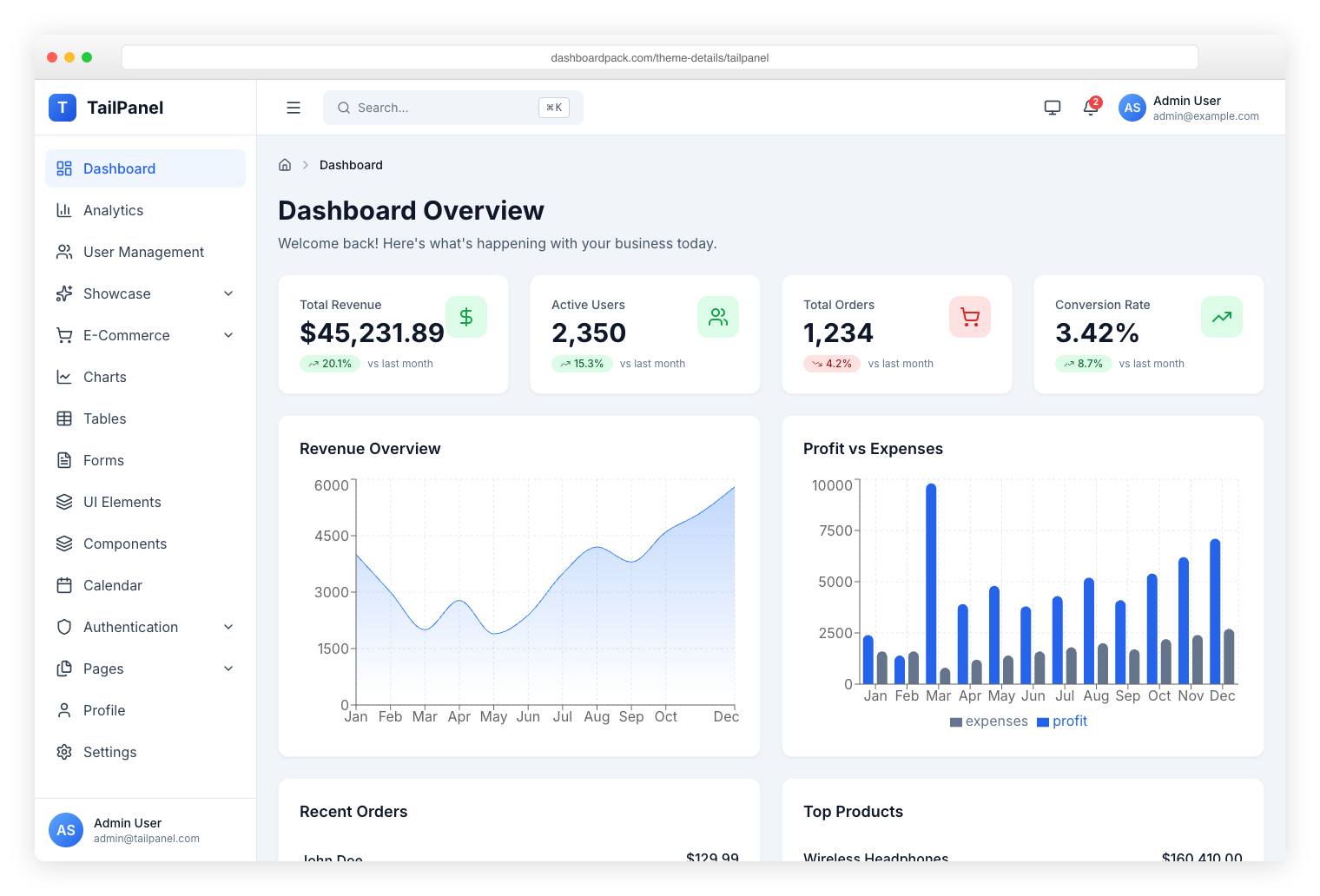
TailPanel
React + TypeScript + Tailwind CSS + Vite. 9 dashboard designs with dark and light themes.
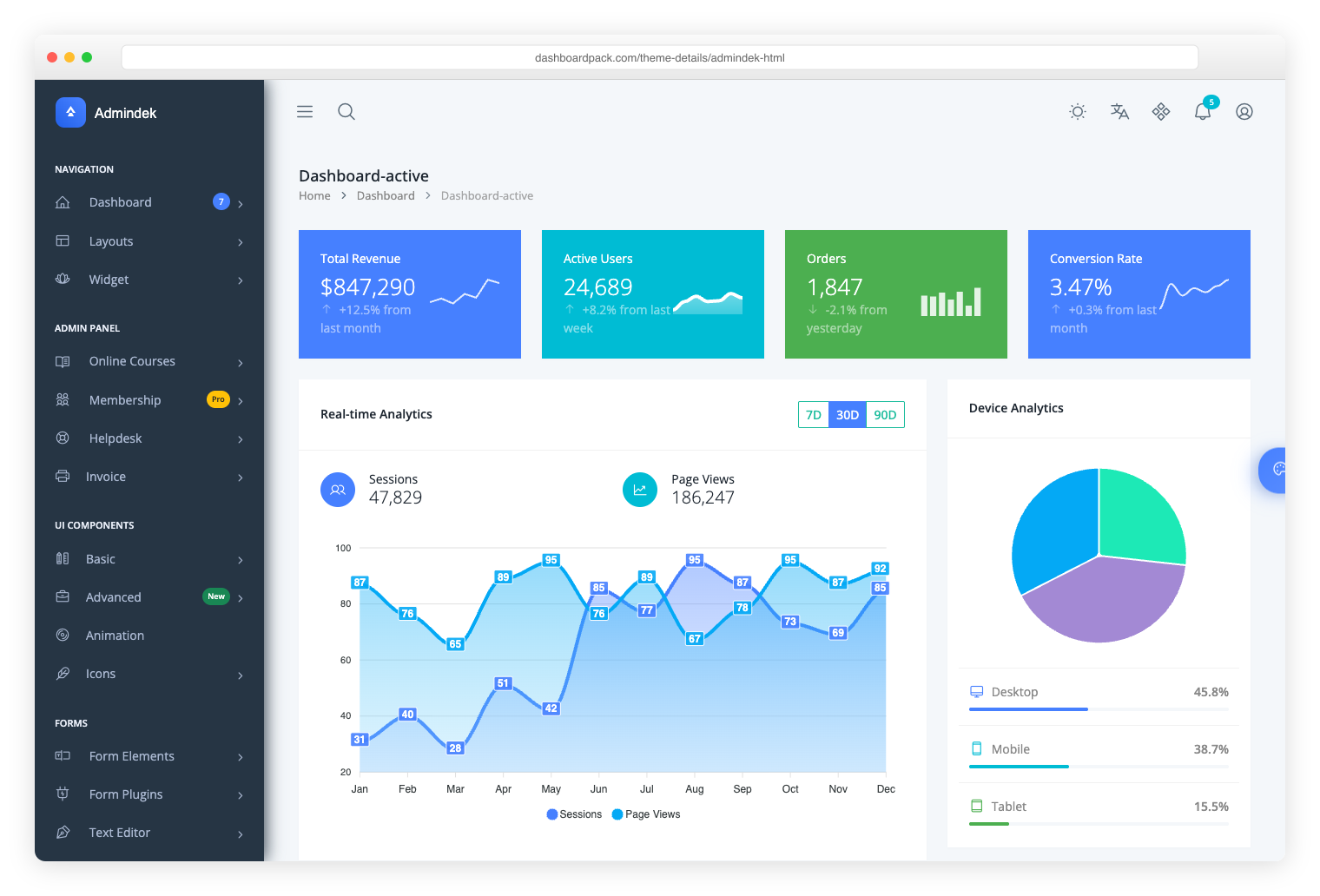
Admindek
Bootstrap 5 + vanilla JS. 100+ components, dark/light modes, RTL support, 10 color presets.
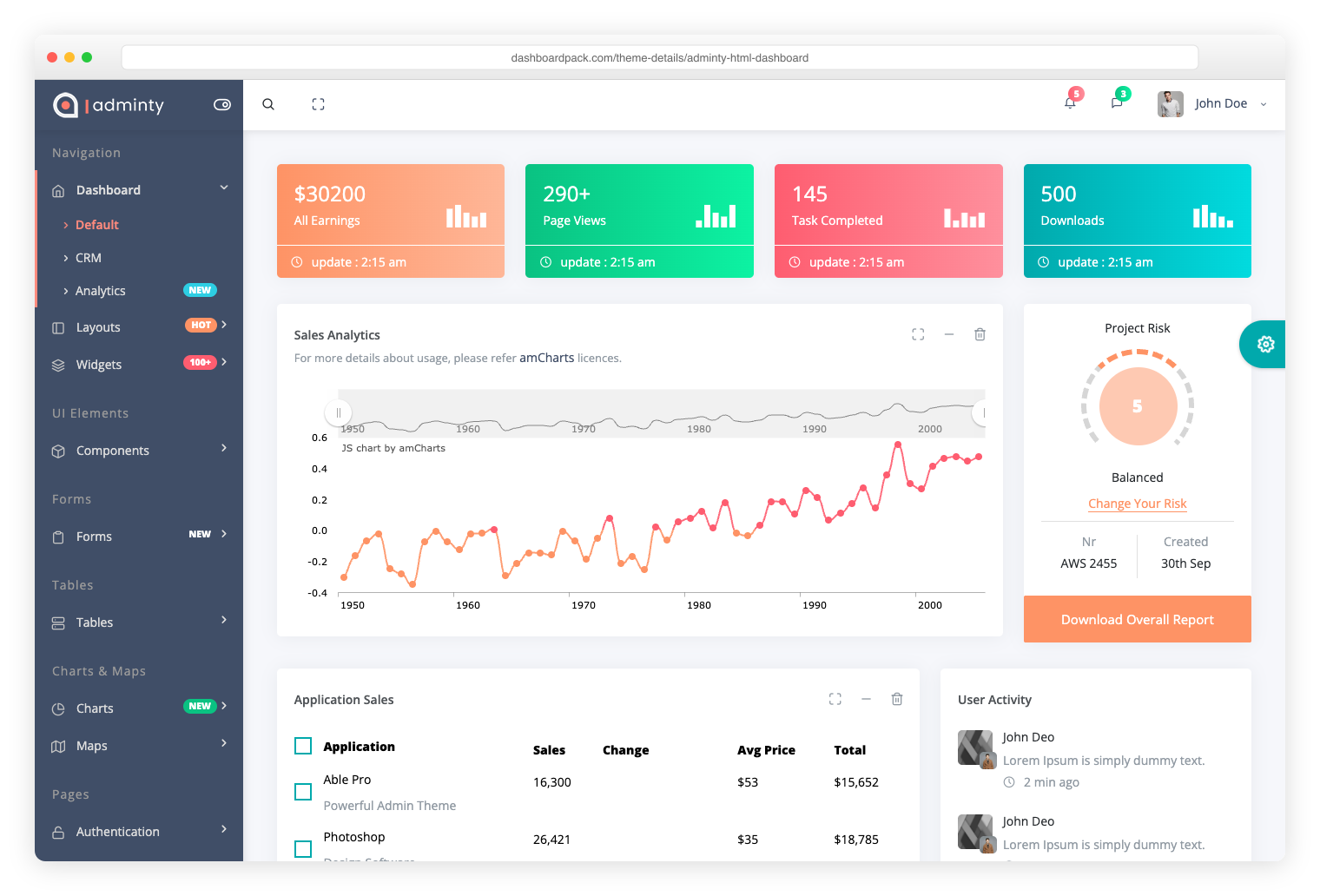
Adminty
Bootstrap 5. 160+ ready-made pages, full UI component library for rapid development.

ArchitectUI
Bootstrap 5. 250+ components, modular architecture, 9 unique dashboard layouts.
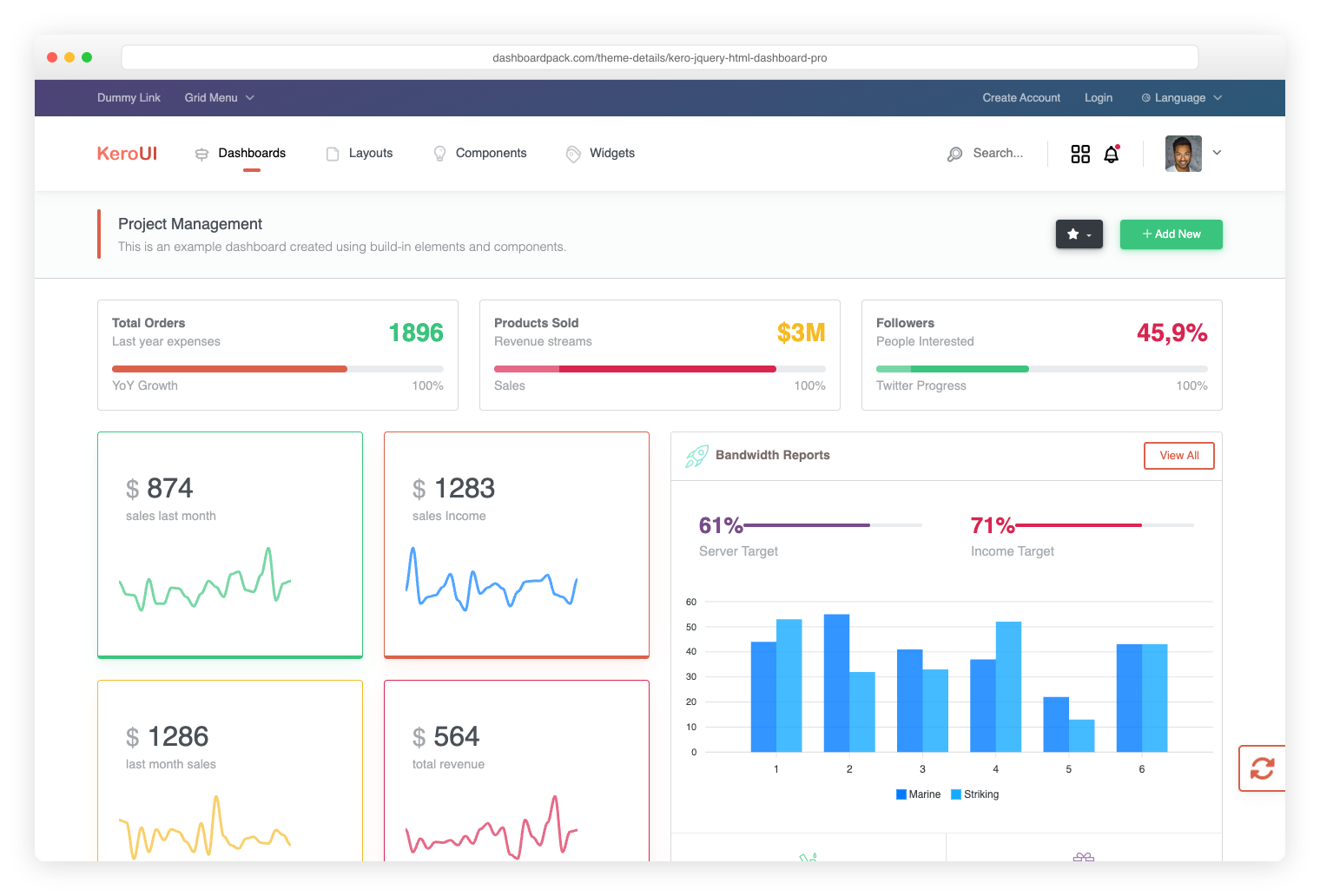
Kero
Bootstrap 5 + Webpack. Dual layout system (horizontal + sidebar), full SASS theming.
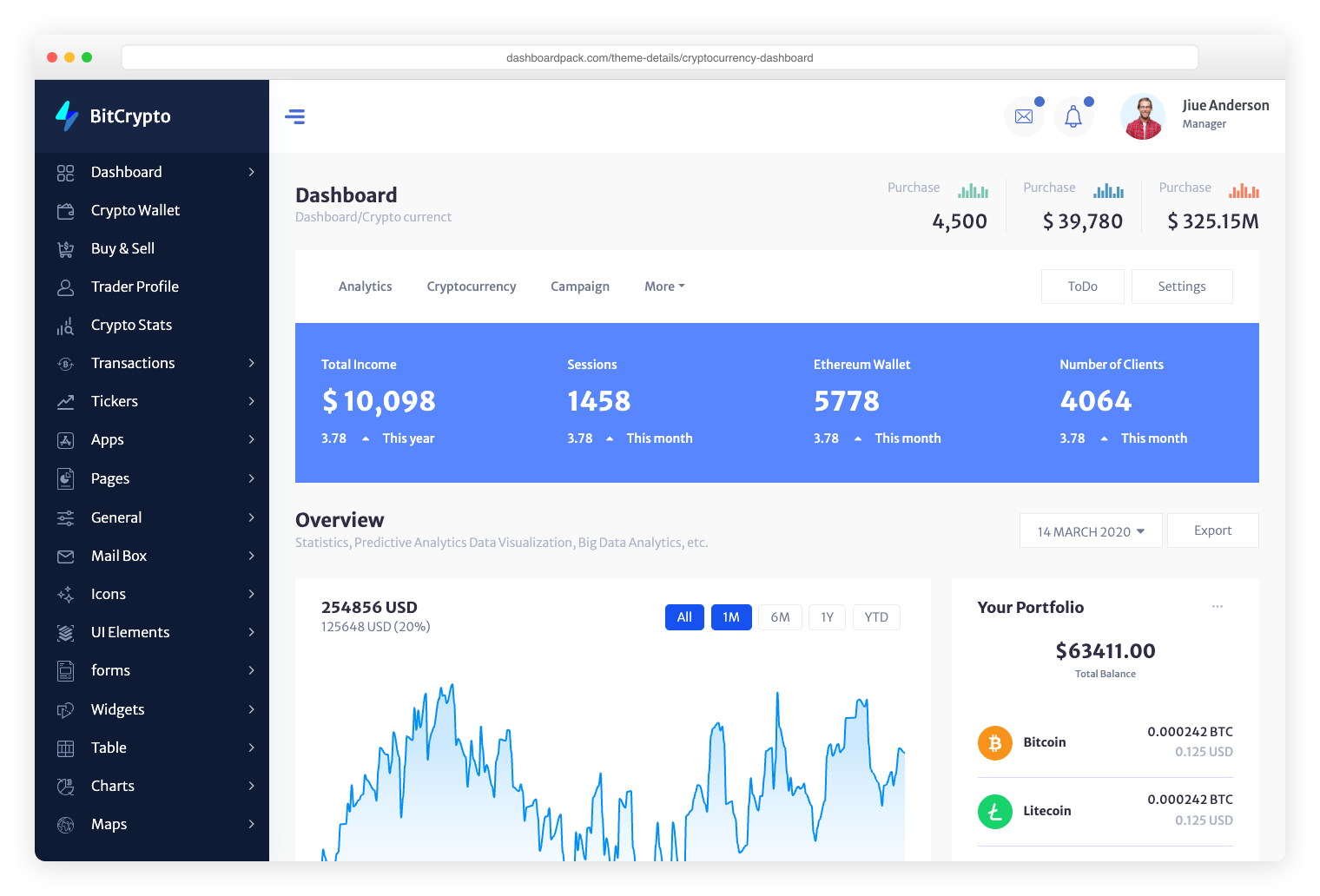
Cryptocurrency
Bootstrap. Built specifically for ICO platforms, Bitcoin tracking, and crypto portfolios.
Download Adminator free
Enter your email and your download starts instantly — we’ll also send the link to your inbox, plus new templates and pro tips. Free & MIT-licensed.
By downloading, you agree to receive occasional emails from Colorlib. No spam — unsubscribe anytime.
Ship a dashboard this weekend.
Adminator is free, MIT-licensed, and production-ready. Download the ready-to-serve zip, or clone the source and run `npm ci` for 18 pages with dark mode, charts, and a calendar.
Read the docs